
Repair Excel Files Online: Fix Corrupted XLSX and XLS Workbooks
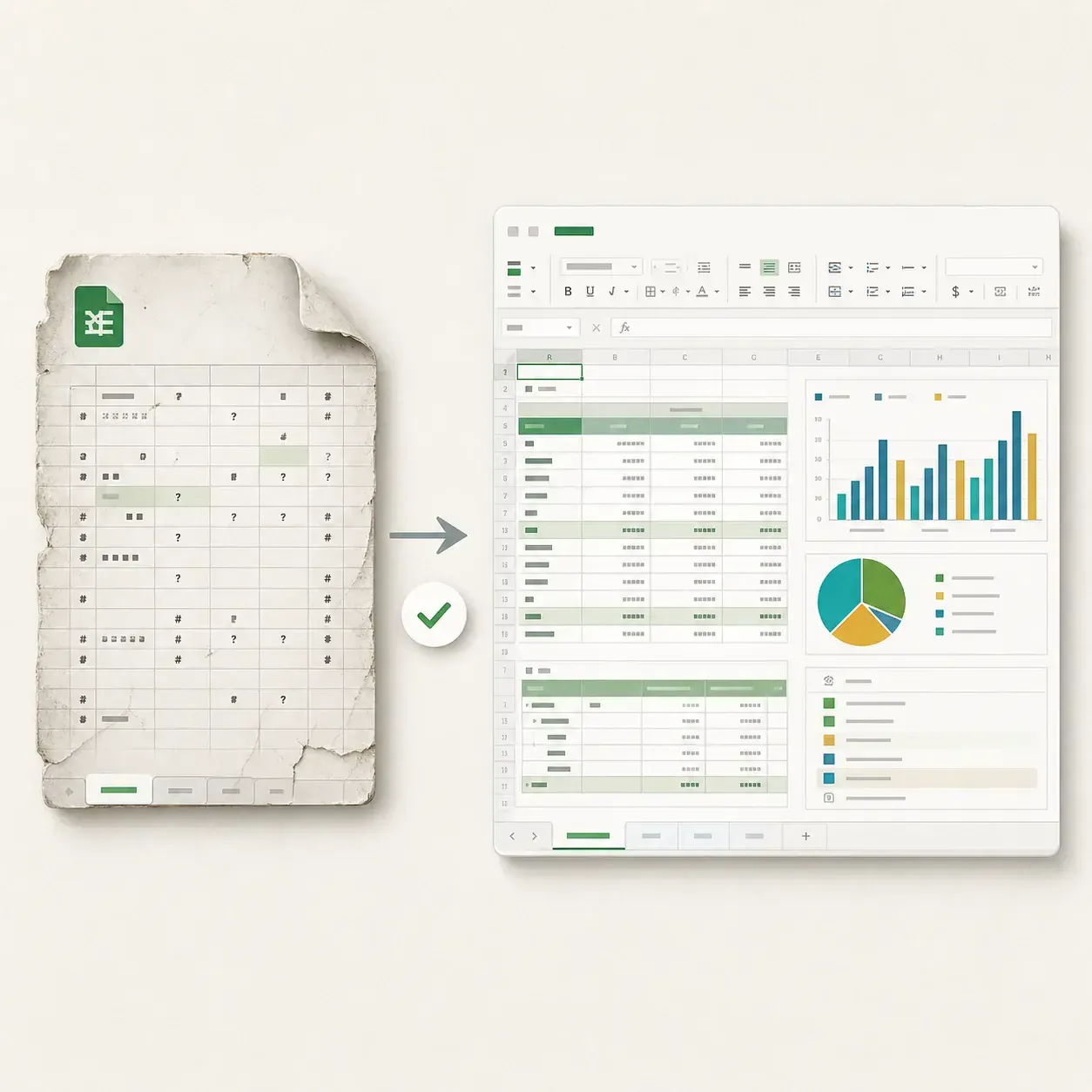
Repair damaged XLSX, XLS, XLSM, XLSB, XLTX, and XLTM workbooks online when Excel finds unreadable content, reports an invalid file format, opens blank, or fails to save. Preview readable worksheets, values, formulas, tables, charts, and formatting before download.
 Secure
 Supports XLS, XLSX, XLSM, XLSB, Your file stays private


Repair XLSX, XLS, XLSM, and Excel Template Files Online
Excel files may contain worksheets, shared strings, formulas, named ranges, styles, charts, tables, links, macros, and calculation records. Fixo identifies the workbook format and checks these connected parts instead of treating the file as a flat grid.

How Excel Workbook Corruption Affects Connected Data
Workbook damage can affect more than visible cells. Explore how corrupted package relationships may break sheet tabs, formulas, shared text, styles, charts, pivot data, external links, and calculation settings.
Workbook index and relationships
Connect sheet records, shared data, styles, names, external links, and calculation settings.
Common Excel Errors and Corrupted Workbook Symptoms
Review the symptoms Excel users commonly search for, including unreadable content, invalid file format or extension, blank workbooks, formula errors, missing charts, and save failures.
Excel cannot open the file
The format or extension is reported as invalid, or loading stops before the workbook appears.
Unreadable content detected
A repair option Excel offers to recover records because worksheet or object relationships are inconsistent.
Workbook opens blank
Sheet tabs, cell data, or hidden content do not render even though the file has data.
Formulas return errors
Broken references, names, shared formulas, or calculation records produce empty or incorrect results.
Charts or pivots disappear
The visual object remains, but its data relationship or cached records cannot be read.
Changes cannot be saved
The workbook opens, but damaged package records block editing, copying, or saving.
What Excel Repair Can Recover from a Corrupted Workbook
Fixo repairs readable workbook parts and reconnects relationships that still exist between worksheets, values, styles, formulas, tables, and charts. Missing cells, formulas, links, macros, or chart data cannot be inferred when their original records are gone.
42,423
Unique Excel files processed
88.7%
Repair success rate
Among files containing repairable data
Last 12 months
Rolling measurement period
Counted by unique file
Repair success means the repair process completed successfully. The amount of content retained still depends on the source data remaining in the damaged file.
 WORKBOOK LAYERS
Workbook and sheets
Sheet order, visibility, names, and workbook relationships

Shared strings and styles
Cell text, number formats, fonts, fills, and borders

Formulas and references
Formula expressions, named ranges, and sheet references

Charts, tables, and pivots
Connected objects and their source ranges
 RELATIONSHIP CHECK
Review remaining workbook parts
Identify readable sheets, shared resources, and calculation records.
Check recovered relationships
Relink workbook parts where recoverable references remain.
Confirm usable content
Review values, formulas, sheets, charts, filters, and linked data.
Repair Excel Worksheets, Formulas, Charts, and Workbook Relationships
An Excel workbook connects worksheets, shared values, formulas, styles, charts, pivot definitions, macros, and package relationships. Fixo analyzes these parts together so you can verify business-critical values and spreadsheet behavior after repair.
Fix Excel files that will not open or show unreadable content
Fixo analyzes damaged XLSX, XLS, XLSM, XLSB, XLTX, and XLTM workbooks when Excel cannot open the file, reports unreadable content, or says the file format or extension is not valid. It maps readable workbook records before rebuilding worksheet relationships and package indexes.

Excel found unreadable content
Excel cannot open the file
File format or extension is not valid
Workbook opens blank
Recover formulas, values, links, and calculation logic
A workbook can open while formulas return errors, references break, or copied data cannot be pasted or saved. Fixo checks cell values, shared strings, formulas, named ranges, external links, and calculation chains so important workbook logic can be inspected after repair.
Rebuild charts, pivot tables, formatting, macros, and hidden sheets
Business workbooks depend on more than visible cells. Fixo inspects chart references, pivot definitions, filters, styles, conditional formatting, drawing anchors, macro-enabled package parts, and hidden worksheets so the repaired workbook can be validated beyond a simple file- open check.
How to Repair a Corrupted Excel File Online in 3 Steps
Upload the original Excel workbook, let Fixo inspect readable workbook records and rebuild recoverable relationships, then preview worksheets, values, formulas, and objects before download.
What to Check After Repairing an Excel Workbook
Opening the repaired workbook is only the first check. Review sheet tabs, key values, formulas, named ranges, charts, tables, pivots, filters, external links, and macro-enabled content where applicable.
All worksheet tabs
Key values and formulas
Charts, tables, and pivots
Formats, filters, and links
Online Audio Repair or Fixo Desktop?
Use the online tool for a quick single-file repair. Choose the desktop app for large files, batch jobs, offline work, and complex damage.
Advanced repair | Online repairFor a quick single file | Desktop repairFor larger or multiple files |
Capability |  Not available Not available | Available |
Best for | Quick repair in a browser | Large, batch, or more complex files |
Formats supported | XLS, XLSX, XLSM, and focused workbook repair | More repair formats and file types |
File size | < 100 MB | Unlimited |
Batch repair | Not supported | Supported |
Local & private processing | Processed over an encrypted connection | Processed locally; files never leave your device |
Offline use | Internet connection required | Fully offline |
Complex damage | Common structural damage | Advanced workflows for severe corruption |
Premium technical assistance | Not supported | Supported |
Access | Open the browser and go | Download and install |
Repair Excel Online No installation required | Download Fixo DesktopDesktop app download required |
Frequently Asked Questions

Related online repair tools


Excel Repair Case Studies and Workbook Checks
Each case records the Excel format, corruption symptom, repair result, and workbook-specific checks used to review sheets, values, formulas, and connected objects.
Amir S.
FP&A Analyst, Dubai
Verified repair record | Case FX-XLSX-0182
Repair your corrupted Excel workbook
Upload the original file, start repair, and preview the recoverable content before download. Free to try
 Preview before download
 Original files untouched